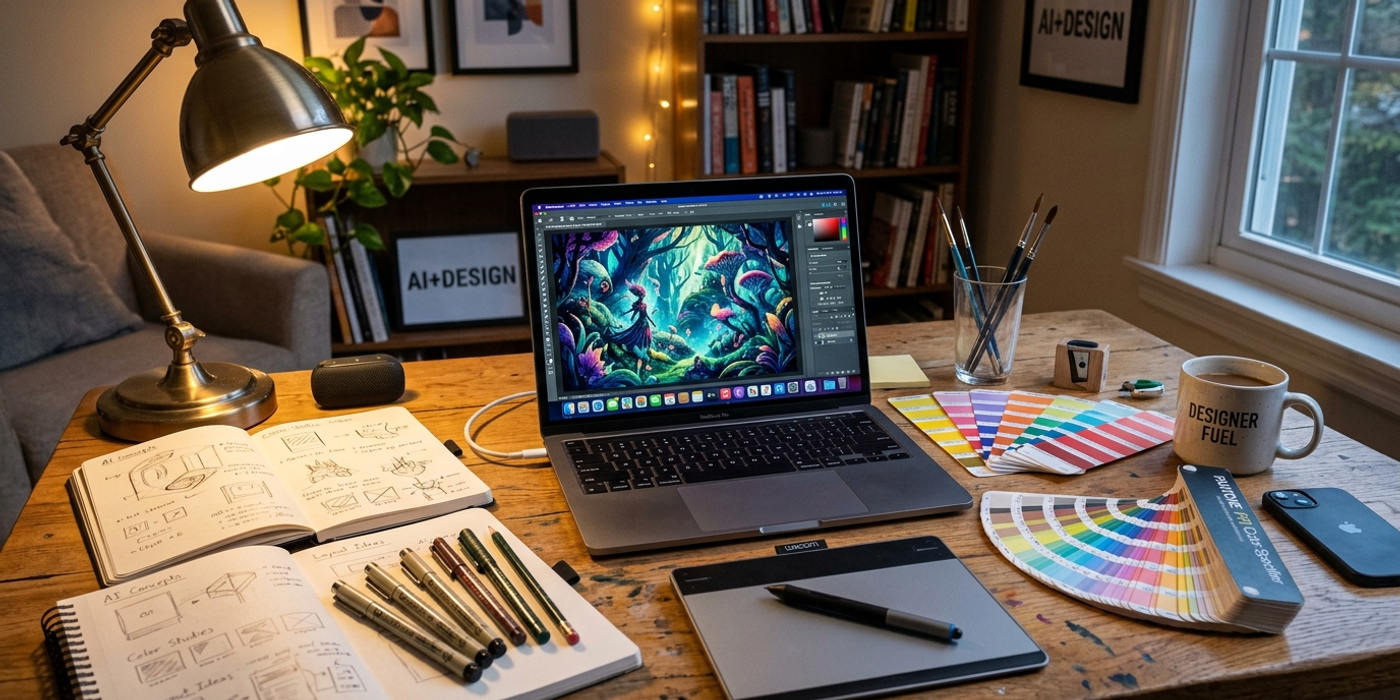
Twelve practical AI image generation tips for designers in 2026 — from choosing the right model to mastering prompts, inpainting, and multi-model workflows.
AI image generation has evolved fast in 2026. New models like Seedream 4, Nano Banana 2, and GPT-Image-2 have raised the bar, and tools like inpainting, style references, and multi-model pipelines give designers more control than ever.
Whether you're producing social media assets for a Hong Kong brand or prototyping ad campaigns, these 12 tips will help you get better results from every generation.
1. Choose the Right Model for the Job
Every AI image model has a personality. Seedream 4 excels at photorealistic portraits and product shots. Nano Banana 2 produces vibrant, stylised illustrations. GPT-Image-2 handles text rendering and complex compositions best. Flux Schnell is still the fastest for high-volume draft work.
Match the model to the output, not the hype. For a luxury product campaign, Seedream 4. For a playful brand mascot series, Nano Banana 2. For typography-heavy hero images, GPT-Image-2. The right model saves iterations and credit costs.
2. Build a Prompt Library — Stop Writing from Scratch
Hong Kong agencies juggle multiple clients. Writing each prompt from scratch wastes time and produces inconsistent results. Build a reusable prompt library organised by category: product photography, lifestyle scenes, architectural renders, abstract backgrounds.
Include reusable building blocks: lighting modifiers ("soft rim light from upper right"), camera specs ("35mm lens, f/2.8"), and style anchors ("Minimalist, clean lines, white background"). A well-structured library cuts prompt drafting time by 60% and keeps output consistent across a campaign.
3. Use Reference Images to Lock Down Style
Every major model in 2026 supports image-to-image or style reference inputs. Upload a brand style guide or past campaign hero image. This is especially valuable for Hong Kong brands that need consistency across platforms: a reference image ensures the same product looks identical in a WeChat ad, an Instagram carousel, and a billboard mockup.
4. Master Negative Prompts
Negative prompts are the most underused feature in AI image generation. Add terms like "deformed hands, extra fingers, blurry background, oversaturated, unnatural skin texture" to pre-emptively block the model's common failure modes. The result is fewer rejected generations and faster turnaround.
5. Use Inpainting Instead of Restarting
Inpainting lets you select a region of an existing image and regenerate only that area. A product shot with the right lighting but wrong background? Inpaint the background. A portrait with perfect expression but weird hands? Mask the hands. Every major platform in 2026 supports inpainting, and it's the biggest time-saver for retouching workflows.
6. Batch Generations for Speed and Options
Run 4-8 variations of the same prompt in a single batch instead of generating one at a time. For client presentations, batch generation lets you present options ("here are four directions for the campaign hero") rather than a single deliverable that invites endless revision requests.
7. Control Composition with Weighted Prompts
Most 2026 models support weighted prompt syntax: parentheses or numeric weights to emphasise or de-emphasise elements. For example, "(red dress:1.4)" tells the model to prioritise the red dress, while "(background:0.6)" reduces its importance. Use this when the model keeps de-emphasising the main subject or crowding the frame.
8. Set Aspect Ratio Before Generating
Cropping a generated image to fit a different aspect ratio often loses the most important compositional elements. Specify the target ratio upfront: 16:9 for YouTube thumbnails, 9:16 for Instagram Stories, 1:1 for WeChat moments. Setting the correct ratio preserves the model's intended composition.
9. Chain Multiple Models
No single model does everything best. Generate the base image with Seedream 4, upscale with a dedicated upscaler, then apply style transfer with Nano Banana 2. Or draft with Flux Schnell for speed, then refine the best version with GPT-Image-2. This approach gives you speed and quality while keeping costs under control.
10. Verify Text Rendering
Despite major improvements, AI image models still struggle with text. Characters may be garbled or missing. For text-heavy assets, use GPT-Image-2 or models fine-tuned for typography. For client-facing work, add text in post-production — it's faster and more reliable than hoping the model gets it right.
11. Version Your Prompts
A prompt that works today may fail after a model update. Track your prompts with version numbers and notes: "V1 — Seedream 4, f/2.8, rim light — rejected, too dark. V2 — added (brightness:1.3) — approved." This builds institutional knowledge when new team members join the account.
12. Validate Before Presenting
Before you export a final image, run a quick checklist: check for artefacts (weird hands, floating objects, distorted faces), verify colour consistency with the brand palette, confirm the aspect ratio matches the delivery spec, and test the image at actual display size. A 30-second validation pass prevents presenting an image with six fingers or a misspelled brand name.
Frequently Asked Questions
Q: What's the best AI image model for product photography in 2026? A: Seedream 4 leads for photorealistic product shots. For lifestyle scenes with people, Nano Banana 2 produces more natural skin tones.
Q: How many iterations should I expect before getting a usable image? A: With good prompts and reference images, 2-3 iterations. Without references, 5-8. The key is getting the prompt right before generating.
Q: Can I use AI-generated images for commercial client work? A: Yes, but check the terms of each model. Most major platforms grant commercial usage rights in 2026, but always verify the licence for your use case.
Q: How do I ensure brand colour consistency across AI generations? A: Use a reference image with your brand colours and include hex codes in the prompt. Some models now support colour palette inputs directly.
Q: What's the fastest way to generate multiple design options for a client? A: Batch generation with weighted prompts. Run 4-8 variations with different seed values, then present the best 3-4 options.
Q: How do I prevent AI images from looking "too AI"? A: Add photographic imperfections: slight grain, natural lighting, asymmetrical composition. Post-processing with a subtle grain overlay also helps.
Q: Is it worth upgrading to paid AI image generation plans? A: For agencies producing over 50 images per month, yes. Paid plans offer higher resolution, faster generation, priority access, and commercial rights.
Q: What's the single biggest mistake designers make with AI image generation? A: Not using reference images. Text prompts alone leave too much to interpretation. A reference image communicates more than a paragraph of prompt text.