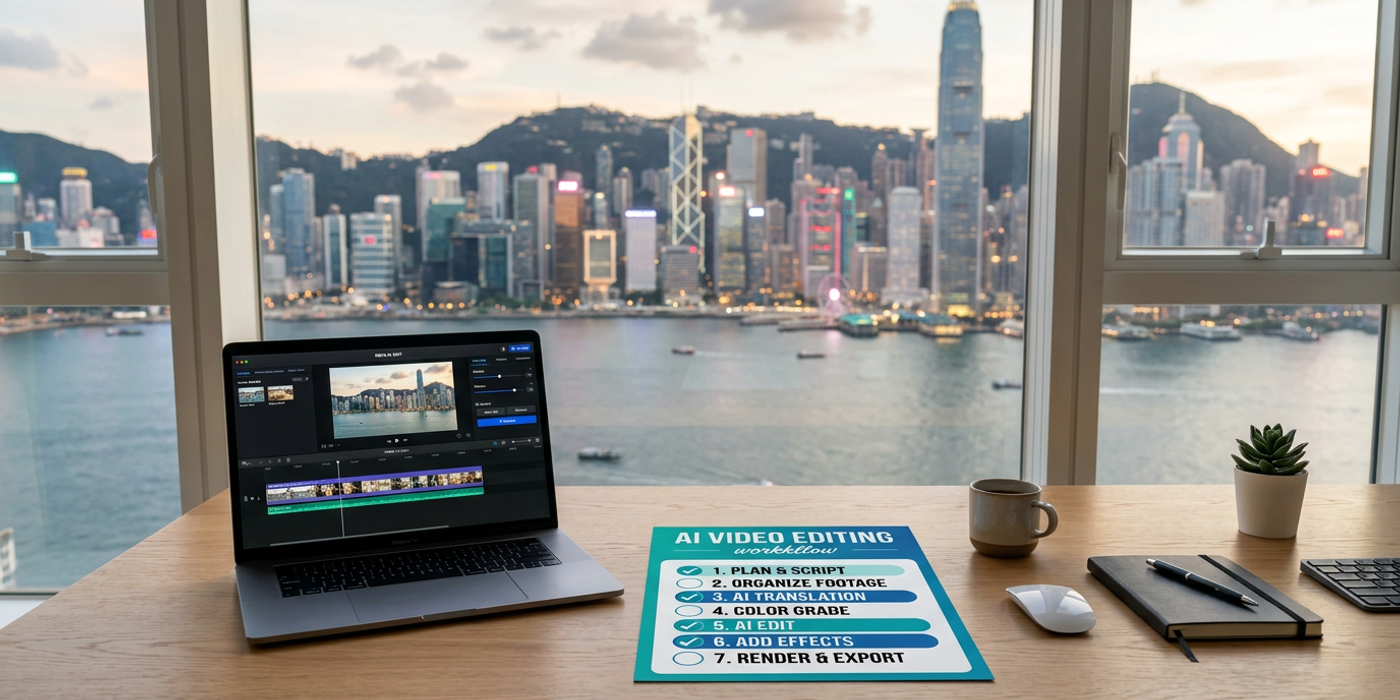
From pre-production to export, this 2026 checklist covers AI video tools, model selection, and workflows tailored for Hong Kong marketing teams.
From pre-production planning to final export, producing AI video in 2026 involves more tools, more models, and more decisions than ever before. For Hong Kong marketing teams juggling Cantonese, English, and Mandarin content across WeChat, Instagram, and YouTube, a structured checklist is how you deliver on time and on budget. This guide walks through the full AI video production pipeline with the latest 2026 tools.
Pre-Production — Define Your Output Before Generating
Start with the destination before you pick the model. AI video in mid-2026 spans three output categories: short clips (under 15 seconds) for social feeds, narrative sequences (15-60 seconds) for ads, and long-form drafts (60+ seconds) for rapid prototyping.
Model selection by use case. The 2026 landscape gives HK marketers real choices:
| Use Case | Recommended Model | Key Strength | |----------|------------------|--------------| | Cinematic ad sequences | Veo 3.1 | Camera motion control, consistent lighting | | Stylised brand content | Kling 3.0 | Artistic style transfer, anime and illustration | | Native audio + video | Seedance 2.5 / MiniMax H3 | One-pass generation with built-in stereo audio | | Fast iteration / drafts | FLUX 3 Video | 20-second clips with lip sync, 14+ languages | | High-res hero content | Seedance 2.5 | Up to 30-second 2K clips |
Create a shot list before you write a single prompt. For a typical 30-second HK social ad, plan 4-6 shots with specified durations, aspect ratios, and scene transitions. This prevents the "generate and pray" loop that burns credits.
Prompt Engineering for Video
Video prompts in 2026 have moved beyond simple descriptions. Modern models respond to structured inputs that specify camera motion, lighting direction, and temporal intent.
Camera instructions. Veo 3.1 and Kling 3.0 both support natural-language camera commands. Instead of "a person walking down a street", try "slow push-in on a woman walking down Nathan Road, dolly zoom on neon sign above, 24mm lens equivalent, golden hour lighting".
Lighting consistency across shots. For a single-scene sequence, specify the same lighting conditions in every prompt. If shot one says "soft overhead fluorescent lighting in a Hong Kong office", shot two should repeat it. This dramatically reduces jarring visual jumps between generated clips.
Temporal intent keywords. Models like Seedance 2.5 support temporal modifiers: "starting from wide shot, slowly zooming to close-up over 8 seconds". Treat these as a time budget per shot.
Production — Generate and Review in Cycles
Batch generation is the single biggest time-saver for HK marketing teams. Generate 4-6 variations of each shot in parallel instead of one at a time. Cooly.ai's unified interface across models makes this straightforward — pick your model, set your parameters, and run a batch.
The two-pass review system. First pass: check for technical issues (artifacts, flickering, resolution drops, audio sync). Second pass: check for creative alignment (does this match the brief, is the brand style consistent). Flag clips in the first pass before discussing creative feedback.
Audio-first generation. If your video needs native sound, use Seedance 2.5 or MiniMax H3. Both generate audio and video in a single pass, eliminating manual audio sync. FLUX 3 Video also supports native audio with lip sync in 14+ languages including Cantonese and Mandarin.
Post-Production — Assembly and Polish
AI-generated clips rarely cut together perfectly on the first pass. Build a post-production buffer into every project timeline.
Upscaling. Most AI video models output between 720p and 1080p at launch, though Seedance 2.5 and MiniMax H3 reach native 2K. For hero content destined for YouTube or OOH, run clips through an AI upscaler. Cooly.ai supports multi-model workflows, so you can generate in one model and upscale in another.
Frame interpolation. If a model generates at 24 fps but your deliverable needs 30 fps (standard for HK broadcast) or 60 fps (smooth social feeds), use frame interpolation. This matters especially for fast-moving shots like street scenes or product demos.
Audio sync verification. Even with native-audio models, verify that lip movements match dialogue, especially for Cantonese and Mandarin where tonal accuracy matters. Run a quick visual check at 0.5x speed to catch sync drift.
Bilingual subtitles. For HK marketing content, English and Traditional Chinese subtitles are the baseline. Generate your script in both languages first, then overlay using your video editor. Models with Cantonese voice support — like ElevenLabs — can produce voiceover tracks that sound natural to local audiences.
Export and Delivery
Different platforms demand different specifications. Plan your aspect ratio before you generate.
| Platform | Aspect Ratio | Max Duration | Recommended Format | |----------|-------------|-------------|-------------------| | Instagram Reels | 9:16 | 90s | H.264, 30fps | | YouTube Shorts | 9:16 | 60s | H.264, 30fps | | YouTube main | 16:9 | unlimited | H.265, 30-60fps | | WeChat Video | 9:16 or 4:3 | 60s | H.264, 30fps | | LinkedIn | 1:1 or 16:9 | 10min | H.264, 30fps |
Compression sweet spot. H.264 at 10-15 Mbps for 1080p delivers good quality without bloated file sizes. For Cantonese voice-overs, ensure the audio codec preserves the full frequency range — narrow codecs can make tonal languages sound muddy.
Caption embedding. Burn in bilingual captions (English + Traditional Chinese) for social platforms that auto-mute videos. This single change can boost viewer retention by 40% for HK audiences.
Frequently Asked Questions
Q: Which AI video model is best for Cantonese-language content? A: FLUX 3 Video supports lip sync in 14+ languages including Cantonese and Mandarin. For standalone voiceovers, pair any video model with ElevenLabs Cantonese voice generation.
Q: How many iterations should I budget per commercial shot? A: Plan for 3-5 iterations per shot. Batch generation (4-6 variations per round) can collapse this to 1-2 review cycles.
Q: Can I generate video and audio at the same time? A: Yes. Seedance 2.5, MiniMax H3, and FLUX 3 Video all support one-pass generation with native stereo audio. This eliminates the manual dubbing step.
Q: What resolution can AI video models output in 2026? A: Seedance 2.5 and MiniMax H3 reach native 2K. Most other models output 720p-1080p. AI upscalers can boost to 4K for hero content.
Q: How do I maintain visual consistency across multiple AI-generated clips? A: Specify identical lighting, lens, and environment keywords in every prompt. Use the same model for all shots in a sequence. Reference frames can also anchor style across generations.
Q: What's the fastest export workflow for a 30-second HK social ad? A: Use Seedance 2.5 or MiniMax H3 for one-pass video+audio generation. Export at 9:16 at 30fps. Burn bilingual subtitles. Total production time: 20-30 minutes from prompt to deliverable.
Q: Should I use different models for different shots in the same video? A: Only if you need specific capabilities per shot — Kling 3.0 for a stylised intro, then Veo 3.1 for photorealistic hero footage. Consistency is harder to maintain with mixed-model projects.
Q: Are AI video production costs lower than traditional production in Hong Kong? A: For a 30-second social ad, AI video typically costs 60-80% less than traditional production, with turnaround in hours instead of days. High-end hero content still benefits from hybrid workflows.