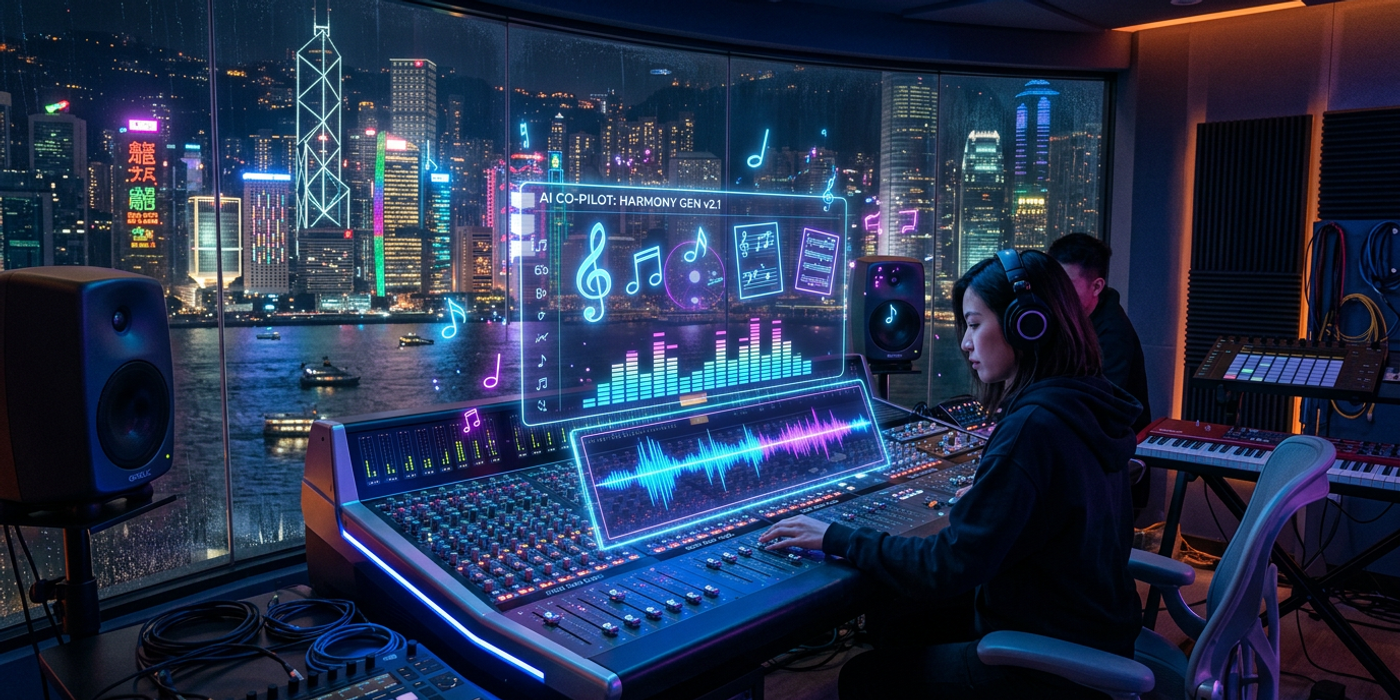
Google Lyria 3.5 adds Selective Section Painting to AI music generation — edit specific parts without starting over. A guide for Hong Kong creators.
Google just released Lyria 3.5, a major update to its AI music generation model that gives creators something they've been asking for: the ability to edit specific parts of a generated track without starting from scratch.
Available through Google Flow Music, Lyria 3.5 introduces a feature called Selective Section Painting that lets you target individual elements — vocals, drums, bass, or melody — and edit them independently. Think of it like having a multitrack editor inside an AI music generator.
What Lyria 3.5 Actually Does
Lyria 3.5 generates original music from text prompts, covering melodies, lyrics, and vocals. The model produces more natural-sounding melodies than its predecessor, with clearer vocal pronunciation and better lyrical coherence. Tracks can run from 30 seconds to 3 minutes, and you have precise control over tempo and overall track length.
But the headline feature is Selective Section Painting. Here's how it works:
- Edit without regenerating: Made a great backing track but the vocals sound off? Select the vocal section and regenerate just that part. The rest of the track stays intact. - Build up from snippets: Have a short melody idea? Feed it into Lyria 3.5 and expand it into a full song without the model rewriting your original hook. - Fine-tune instrumentation: Adjust the tempo and duration of individual elements — make the drums punchier, slow down the bass line, or extend the bridge section.
This is a big step up from the previous generation of AI music tools, where changing one element usually meant regenerating the entire track and hoping the dice rolled in your favour.
Why This Matters for Hong Kong Creators
Hong Kong's content creation scene runs on video — social media, YouTube, TV commercials, and corporate presentations. And every piece of video content needs music. Here's where Lyria 3.5 fits in:
Licensing simplicity. Stock music libraries cost money and often come with complicated licensing terms. AI-generated music is clean — you generate it, you use it. For Hong Kong agencies producing client work, that removes a whole layer of rights management.
Speed for social content. When you're publishing multiple Reels, Shorts, or TikTok videos per day, you can't spend 30 minutes hunting for the right background track. Lyria 3.5 generates a usable music track in seconds, and the new editing features mean you can tweak it to fit your video's timing without restarting.
Localisation-friendly. While Lyria 3.5's lyrics are primarily in English, the instrumental generation is language-agnostic. Use it to create original Cantonese or Mandarin content with AI-generated background music, then layer your own voiceover or lyrics on top.
Cost savings. Custom-composed music for a 60-second ad can cost thousands of dollars from a composer. AI-generated alternatives from Lyria are essentially free after the platform access cost — a game-changer for smaller agencies and freelance creators working with tight budgets.
How Lyria 3.5 Compares to Other AI Music Tools
Lyria 3.5 enters a competitive space alongside Suno, Udio, and Meta's AudioCraft, but its Selective Section Painting feature is genuinely novel. Most AI music models work on a "generate and pray" model — you get what you get, and if you want changes, you start over. Lyria 3.5's section-level editing is closer to how actual music production works, which makes it more practical for professional use.
Pairing AI Music with AI Video Production
This is where it gets interesting for Cooly Studio users. Lyria 3.5-generated music can be directly paired with AI-generated video to create complete audio-visual content:
- Generate a brand video with AI video tools - Create an original soundtrack with Lyria 3.5 matching the mood - Fine-tune the track length to match the video duration - Layer voiceover from AI voice tools on top
For Hong Kong agencies producing client work for tourism boards, F&B brands, or financial services, this means end-to-end audio-visual production from AI tools — faster turnaround, lower cost, and full creative control.
Frequently Asked Questions
Q: Is Lyria 3.5 free to use? A: Lyria 3.5 is available through Google Flow Music, which is part of Google Labs. Access may require a Google account and may have usage limits.
Q: Can I use Lyria 3.5 music commercially? A: Generally yes, but check Google's specific terms of service for Flow Music and Lyria. AI-generated music licensing is still evolving.
Q: Can Lyria 3.5 generate music in Cantonese or Mandarin styles? A: While Lyria 3.5 supports lyrics in multiple languages, its strongest results are in English. For instrumental music, it can handle diverse styles that suit Asian content markets.
Q: How does Lyria 3.5 compare to Suno or Udio? A: Lyria 3.5's Selective Section Painting is the key differentiator — Suno and Udio currently lack this level of granular editing. For audio quality, they're competitive.
Q: Can I integrate Lyria 3.5 music into my Cooly Studio workflow? A: Absolutely. Generate your track in Google Flow Music, download it, and upload it directly into your Cooly Studio video projects. The 30-second to 3-minute range covers most social media video formats.