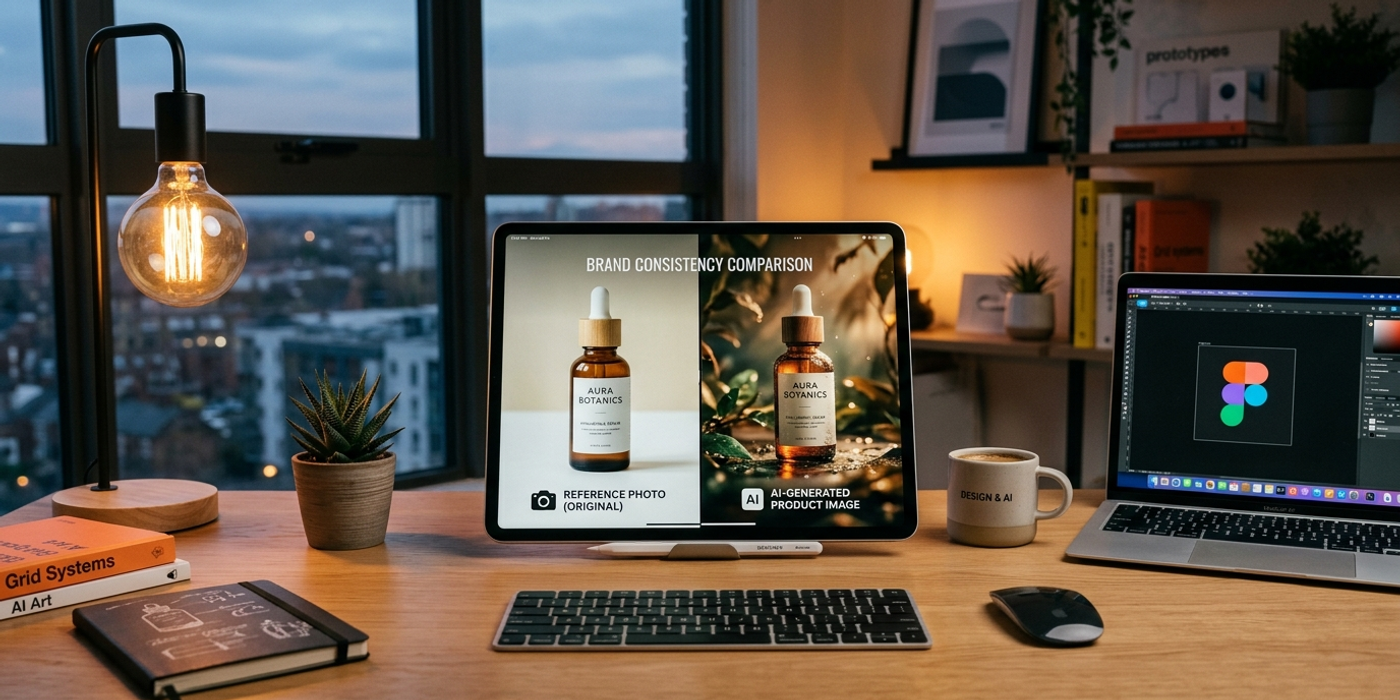
Learn how to use reference images in AI image generation to maintain brand consistency across your creative projects. A practical guide for Hong Kong marketers, agencies, and designers.
Brand consistency is hard enough with traditional design tools. Throw AI image generation into the mix, and suddenly every output can look completely different — different lighting, different angles, different character appearances, different colour palettes. The very thing that makes generative AI exciting (infinite variety) becomes a liability when you need to maintain a cohesive brand identity across a campaign, a product line, or a content series.
That's where reference images come in.
Reference images — also called style references, character references, or image prompts — are one of the most powerful features in modern AI image generation tools. They let you anchor the model to a specific look, a specific character, or a specific style, so you can generate hundreds of variations that still feel like they belong to the same family.
In this guide, you'll learn exactly how to use reference images for brand consistency, what tools on Cooly.ai support them, and the workflows that Hong Kong agencies and brands are already using to keep their AI content on-brand.
What Are Reference Images in AI Image Generation?
A reference image is exactly what it sounds like: you give the AI a starting image that sets the visual direction. Different models handle this differently:
- Image-to-image (img2img): The model uses your reference as a foundation and generates variations of it. This is great when you already have a base image — like a product shot — and want to try different backgrounds, lighting, or compositions. - Style reference: The model extracts the visual style from your reference (colour palette, texture, lighting mood) and applies it to a new scene or subject described in your text prompt. This is perfect for brand consistency, because you can establish one brand style guide image and use it as the reference for every generation. - Character reference: Some models (notably Seedream 4, Midjourney, and some fine-tuned Stable Diffusion variants) can extract a specific character's facial features, outfit, and proportions from a reference, then place that character into new scenes. If you're running a campaign with a recurring mascot or a consistent human subject, this is invaluable.
On Cooly Studio, you can upload reference images directly in the image generation interface. The tools — including Nano Banana 2, Flux Schnell, and Seedream 4 — all support different flavours of reference-based generation. The key is knowing which type of reference to use for which task.
Why Brand Consistency Matters in AI-Generated Content
Hong Kong is a small market with intense competition. Brands like HSBC, Cathay Pacific, and Lee Kum Kee invest heavily in visual identity because they know that consistency builds trust. When a consumer sees a Lee Kum Kee ad, they recognise the brand before they read a single word — because the colours, composition, and mood are always recognisable.
AI image generation threatens that consistency out of the box, because every generation starts from random noise. Without a reference anchor, you might get a product shot that looks perfectly on-brand in terms of content, but the lighting is cool and blue instead of warm and golden, or the composition is a close-up instead of the wide-angle your brand guidelines specify.
Reference images solve this. By feeding the model a single on-brand image — a product shot from your most recent campaign, a frame from your brand video, or a curated mood board image — every generated output inherits the same visual DNA. Your campaign assets stay cohesive even when you're generating at scale.
How to Use Reference Images with Different AI Models on Cooly.ai
Seedream 4 — Best for Character Consistency
Seedream 4 excels at character reference. Upload a photo of your brand's human subject — a model wearing your product, a brand ambassador, or a recurring character — and Seedream 4 can place them into new scenes while preserving facial features, skin tone, hair, and outfit details.
Workflow: 1. Start with a high-quality reference photo (head-to-shoulders works best, good lighting, neutral expression) 2. Write a prompt that describes the new scene: "same person standing in a modern Hong Kong office, natural lighting, professional attire" 3. Set reference image strength around 0.6-0.8 (lower = more creative freedom, higher = tighter adherence to reference) 4. Generate 4-8 variations and pick the ones that feel natural
Nano Banana 2 — Best for Style & Colour Palette Consistency
Nano Banana 2 on Cooly Studio is excellent for style transfer. Take a frame from your brand's existing visual identity — a product shot, a social media graphic, even a screenshot of your website hero section — and use it as a style reference. The model will read the colour palette, lighting mood, and overall aesthetic, then apply it to entirely new subjects.
Workflow: 1. Upload your brand style reference (a well-lit product shot or brand asset) 2. Describe the new subject in your prompt: "a ceramic bowl of soup, steam rising, wooden table surface, minimalist composition" 3. Keep the prompt specific enough that the model doesn't drift into unrelated territory 4. Experiment with reference strength — for tight brand lock, stay at 0.8-0.9
Flux Schnell — Best for High-Speed Style Prototyping
When you need to iterate fast — testing different compositions, subjects, or backgrounds while keeping the same brand feel — Flux Schnell's speed makes it ideal. Generate 20-30 variations in the time it would take other models to produce 4-6, then narrow down to your best options.
Workflow: 1. Use a strong style reference from your brand library 2. Write a short prompt focused on the new subject: "black handbag on marble counter, soft window light" 3. Generate at lower resolution first to explore directions 4. Take the best result and regenerate at higher resolution with the same reference and prompt
Practical Workflow for Hong Kong Brands
Here's a real workflow that works for agencies producing content for Hong Kong clients:
Step 1 — Build a brand reference library Create a folder of 5-10 reference images that capture your brand's visual DNA. Include: - A product shot with on-brand lighting - A lifestyle image showing your target audience in the right environment - A colour palette reference (even a simple graphic with your brand colours) - A composition reference (wide shots vs close-ups, product placement rules)
Step 2 — Establish a reference anchor per campaign For each new campaign, pick one reference image as the anchor. Use it for every AI image generation in that campaign. This single constraint eliminates the most common source of inconsistency: different generations drifting toward different visual defaults.
Step 3 — Generate in batches with the same reference Batch your generation work. Generate all images for a campaign in one session using the same reference image and similar reference strength. This reduces variation caused by model randomisation across different sessions.
Step 4 — Curate, don't accept AI generates options; you curate the winners. For every 8 generations with a reference image, you'll typically get 2-3 that nail the brand look, 3-4 that are close but need tweaking, and 1-2 that drifted. Set the expectation with clients that reference images dramatically increase consistency but don't eliminate the need for human curation.
What Not to Do
- Don't use low-resolution reference images — the model will inherit the blur. Always start with 1080px+ on the longest edge. - Don't use references with excessive watermarks or text — the model will try to reproduce them, and you'll spend time cleaning up. Use clean, text-free reference images when possible. - Don't expect perfect consistency across different models — a reference that works beautifully in Seedream 4 may produce different results in Nano Banana 2. Stick to one model per campaign assets for maximum consistency. - Don't skip the text prompt — a reference image without a strong text prompt leaves too much to the model's imagination. The reference sets the style; the prompt sets the subject. Both are required.
Frequently Asked Questions
Q: Can I use a screenshot of my website as a reference image? A: Yes, website screenshots work well as colour palette and layout references. Just be aware that the model may try to replicate website elements like buttons or text boxes. Use a low reference strength (0.4-0.5) if you only want the colour mood, not the layout.
Q: How many reference images should I use per generation? A: Most tools on Cooly Studio accept one reference image per generation. Start with one strong reference rather than trying to combine multiple — it reduces confusion and gives more predictable results. If you need to blend styles, try generating variations of your reference image first, then use the best variation as a new reference.
Q: Do reference images count toward my generation credits? A: Uploading a reference image itself doesn't cost credits. Only the final generation consumes credits. Uploading references is free — so experiment freely with different reference images before committing to a full batch.
Q: What's the best file format for reference images? A: PNG for images with transparency or sharp edges (product shots, logos). JPG at maximum quality (90%+) for photographs and lifestyle images. Avoid WebP or HEIC formats — not all models handle them well.
Q: How do I keep a character consistent across multiple AI generations? A: Use a character reference model like Seedream 4 on Cooly Studio. Upload one high-quality photo of the character (face clearly visible, consistent lighting), set reference strength to 0.7-0.8, and describe each new scene in your prompt. For best results, keep clothing and hair consistent in the prompt too.
Q: Can I use reference images for AI video generation too? A: Yes. Veo 3.1 and Kling 3.0 on Cooly.ai both support reference images for video generation. Use a style reference to ensure your video frames share the same colour palette and lighting as your brand guidelines. Character reference for video is less mature than image, but the tools are improving rapidly.
Q: My AI images still look different from batch to batch. What am I doing wrong? A: The most common issue is different reference strengths across batches. Lock your reference strength parameter (e.g., always use 0.8) for all generations in a campaign. Also, check that your reference image itself isn't getting compressed when uploaded — use PNG for maximum quality retention.
Q: Does brand consistency with AI images work for bilingual Hong Kong campaigns? A: Absolutely. The visual language of brand consistency is universal. Whether your campaign communicates in English, Traditional Chinese, or both, the same reference image workflow keeps the visual identity unified. Pair consistent AI images with bilingual AI-generated copy for a fully cohesive campaign.