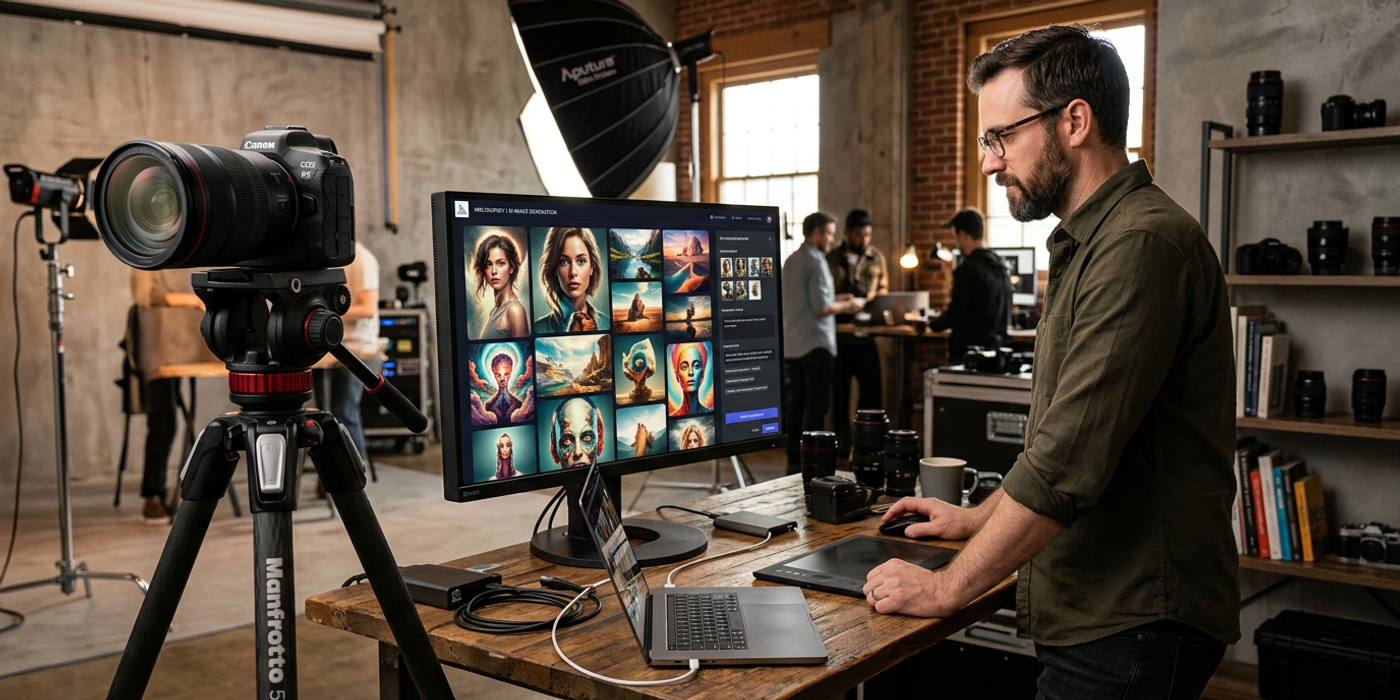
Need AI images that look like studio photography? Seedream 4, Nano Banana 2, and GPT-Image-2 changed the game. Here is how to get pro results in 2026.
AI photography reached a turning point in mid-2026. The original "trick the AI with camera terms" approach still works, but the best results now come from a different playbook. Here's what's changed and how to get studio-quality AI images today.
Why 2026 Models Changed the Photography Game
The models available now handle photography terminology much more naturally than their predecessors. Seedream 4 understands "shallow depth of field at f/1.4" without needing five supporting clauses. Nano Banana 2 renders physically accurate shadows from a single lighting instruction. GPT-Image-2 interprets "editorial photography" as a genre rather than a vague suggestion.
This shift matters because you can spend less time engineering prompts and more time directing the image itself. The best AI images in 2026 come from precise direction, not elaborate wordplay.
Composition Control with Modern Tools
The original photography prompting guide focused on verbal composition hints like "rule of thirds, subject off-center." Those still work, but now you have structural tools too.
IP-Adapter lets you feed a reference image that defines the composition, subject placement, or color palette. Instead of describing "leading lines converging on the subject," you can show the model what that looks like with a reference photo. The result is more consistent and takes less prompt engineering.
For Hong Kong creative teams producing brand photography at scale, this is a workflow revolution. One reference composition applied across 50 product shots with different subjects creates a consistent visual language without rewriting prompts.
Lighting That Reads as Real
Lighting remains the single greatest differentiator between amateur and professional AI images. What's new in 2026 is how precisely models handle lighting instructions.
Nano Banana 2 renders subsurface scattering on skin — the subtle way light penetrates and bounces through translucent tissue. This is what makes skin look real rather than plastic. Seedream 4 handles rim lighting with enough precision that the backlight reads as a physical light source rather than a glow effect.
The most practical lighting technique for HK creators: learn three lighting setups and use them consistently across your workflow. Soft studio lighting for product shots. Golden hour side light for lifestyle content. Three-point lighting for portraits. Each model handles these differently, so test each setup across Seedream 4, Nano Banana 2, and GPT-Image-2 to find your best combination.
Texture: The Detail That Sells
AI-generated images pass the "first glance" test easily in 2026. What separates professional work is the second glance — the textures that make an image feel tangible.
For product photography, include fabric, surface, and material descriptors. "Matte ceramic finish with visible brush strokes" produces a completely different result than "white vase." "Wool-blend fabric with visible weave" tells the model to render actual textile structure.
Food photography benefits enormously from specific texture prompts. "Crispy golden-brown crust, visible flake layers, steam rising" creates mouthfeel in a still image. Interior shots need "natural material texture, visible wood grain, fabric upholstery with subtle wear" to avoid the sterile CGI look.
The current generation of models understands these terms. Use them deliberately.
Negative Prompts as Composition Tools
Negative prompts have become more powerful in 2026. Earlier models largely ignored negative instructions or misinterpreted them as positive ones. Current models respect negative prompts as structural constraints.
Build a baseline negative prompt template for professional photography:
- Overexposed, blown out highlights, flat contrast - Plastic skin, airbrushed, porcelain texture - Cluttered background, distracting elements - Chromatic aberration, lens flare, digital artifacts - Centered composition, symmetrical framing
This template eliminates the most common tells of AI-generated images. For e-commerce work, add "watermark, price tag, text" to prevent unwanted embedded labels.
Workflow for Professional Results
Here is a repeatable workflow for studio-quality AI images in 2026:
Model selection. Start with Seedream 4 for initial generation — best balance of quality and speed. If photorealism is critical, switch to Nano Banana 2. If you need a wide variety of compositions to choose from, GPT-Image-2 excels in the early exploration phase.
Reference setup. Use IP-Adapter with one brand-aligned reference image to anchor composition and color. This step alone cuts iteration time by 60 percent.
Lighting first. Write lighting before subject. The most common mistake is describing the subject in detail and adding "professional lighting" as an afterthought. Lead with the lighting setup, then describe the subject within that context.
Iterate on texture. The first generation gets lighting and composition right. The second generation should refine texture. Add specific material and surface descriptors. This two-pass approach is faster than trying to nail everything in one prompt.
Curate ruthlessly. Generate six to eight variations for every final image you need. Professional photography has always been about volume — photographers shoot hundreds of frames to get one keeper. AI generation is no different.
Frequently Asked Questions
Q: Which AI model produces the most photorealistic images in 2026? A: Nano Banana 2 leads for raw photorealism, especially in skin texture and lighting physics. Seedream 4 is a close second with better prompt adherence. GPT-Image-2 excels at interpreting abstract creative direction.
Q: Do I still need photography terminology in my prompts? A: Yes, but less of it. 2026 models understand shorthand. A single term like "editorial" or "fashion campaign" now carries enough context that you do not need 15 supporting descriptors.
Q: How can Hong Kong brands ensure consistent photography across campaigns? A: Build a reusable prompt template with fixed lighting setup, camera angle, and color palette. Use IP-Adapter with the same brand reference image. This creates visual consistency without manual prompt rewriting.
Q: What is the biggest mistake people make with AI photography? A: Over-prompting. Writing 50-word prompts with every photography term you know confuses the model. Start with the lighting, the composition frame, and one specific detail. Add more only if the result needs it.
Q: Can AI-generated images replace a real photographer? A: For product shots, social content, and marketing materials, increasingly yes. For high-end editorial, brand campaigns with specific art direction, or any image where the photographer's creative vision is the core product, not yet.
Q: What resolution can I expect from AI-generated photography in 2026? A: Seedream 4 outputs native 4K. Nano Banana 2 goes up to 8K with detailed texture rendering. GPT-Image-2 produces 2K natively. All support upscaling for print-ready output.
Q: How do I avoid the AI look in generated images? A: Add natural imperfections to your prompts: "subtle skin texture, natural lighting variations, asymmetric details." Then use negative prompts to remove the AI tells: "over-smooth, perfect symmetry, plastic texture, artificial lighting."