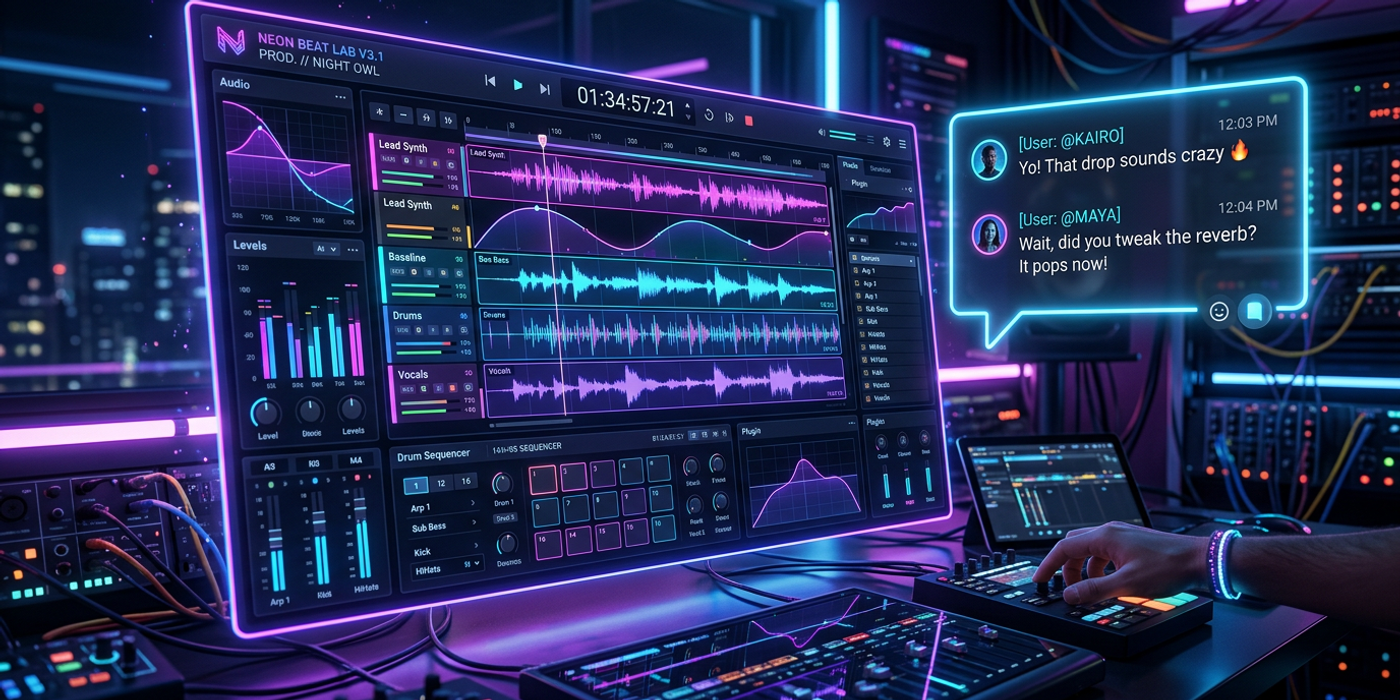
Suno Studio 2.0 turns AI music generation into a chat-driven DAW with MIDI import, stem separation, and multitrack export. What HK creators need to know.
Suno, the AI music platform making headlines for both creative potential and legal battles, just shipped its biggest update yet. Studio 2.0 transforms Suno from a text-to-music generator into a full chat-driven DAW — available now for Premier subscribers.
What's New in Suno Studio 2.0
The headline feature is the chat interface. Instead of typing prompts and hoping for the best, you can talk to Studio 2.0 like a bandmate. Tell it to add a synth bassline, swap the drums, or create a custom plugin — all in plain text. The AI generates the result directly in your project timeline.
MIDI import is another game-changer. Bring in your own MIDI melodies, and Studio 2.0 generates a full arrangement around them — instrumentation, vocals, and production included. For HK producers who already use MIDI, this means AI-assisted music production without abandoning existing workflows.
Stem separation lets you isolate individual instruments or vocals from any uploaded track. Need just the drums from a reference song? Done. Want the vocal line for a new arrangement? Also done. This makes Studio 2.0 a practical tool for remixing, sampling, and sound design.
Automation curves give you fine-grained control over volume, panning, and effects. Combined with unrestricted multitrack export at 32-bit/48 kHz, Studio 2.0 delivers broadcast-quality audio for video production, advertising, and film.
What This Means for Hong Kong Creators
For HK creators producing social media content, ads, or short films, Studio 2.0 fills a real gap. Most AI music tools generate a single track and call it a day. Studio 2.0 treats music as an iterative, collaborative process — how actual music production works.
The chat interface is especially useful for non-musicians. A marketer who cannot play an instrument can direct the AI to create a specific mood, then refine it conversationally. A video editor can generate a soundtrack, separate stems to sync with visual cuts, and export at full quality — all without leaving the browser.
A Note on the Copyright Context
Suno is still navigating legal challenges around training data. A German court recently ruled the service violated local copyright law, and the company is tightening download limits to curb spam. Studio 2.0's unlimited exports are restricted to Premier subscribers — a sign Suno is doubling down on professional users.
For HK creators, the practical takeaway is simple: use Studio 2.0 for original compositions in your video content or ads. The legal questions target mass distribution of AI music on streaming platforms — a different use case.
Getting Started
Studio 2.0 is available now for Premier subscribers. The chat interface, MIDI import, stem separation, and plugin creation are all included. Plugin creation does not use credits yet, but Suno may introduce a system later.
Frequently Asked Questions
Q: Is Suno Studio 2.0 free to use? A: Studio 2.0 is included with Suno's Premier subscription. Plugin creation is currently free but Suno may introduce credits later.
Q: Can I export at professional quality? A: Yes. Premier subscribers get unrestricted multitrack export at 32-bit/48 kHz — broadcast quality for video production and advertising.
Q: Does Cooly Studio support Suno-generated audio? A: Cooly Studio integrates with a wide range of AI models. Use Suno for music generation then bring results into Cooly Studio alongside AI video, image, and voice tools for a complete production pipeline.
Q: Is Suno safe for commercial use in Hong Kong? A: For original compositions in your own content, yes. Be cautious about mass-distributing AI tracks on streaming platforms due to ongoing copyright discussions.
Q: Do I need music production experience? A: No. The chat interface lets you direct the AI in plain language. MIDI import and automation curves are there for experienced users who want more control.